Page Overview
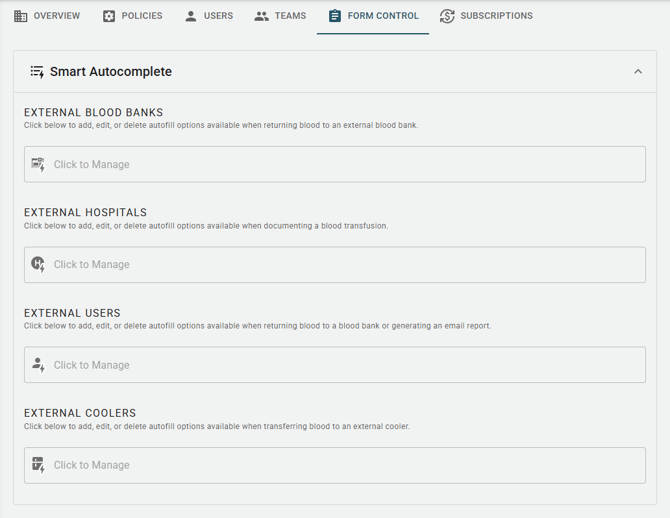
The Form Control Management Hub allows administrators to manage organization-wide autocomplete options throughout the BloodCOMM platform. Used together with the "Restrict Autocomplete Option Management" setting on the Policies tab, admins can ensure that all users within their organization are using approved external resources.
What autocomplete fields exist across each organization?
- External Blood Banks
-
Used when returning blood to a blood bank.
-
- External Hospitals
-
Used when documenting a blood transfusion.
-
- External Users
-
Used when returning blood to a blood bank or generating an email report.
-
- External Coolers
-
Used when transferring blood to an external cooler.
-
Select one of the dropdown fields to add, edit, or delete autocomplete options for that field.